Live Streaming
YouTube streaming with live chat, built into the game page
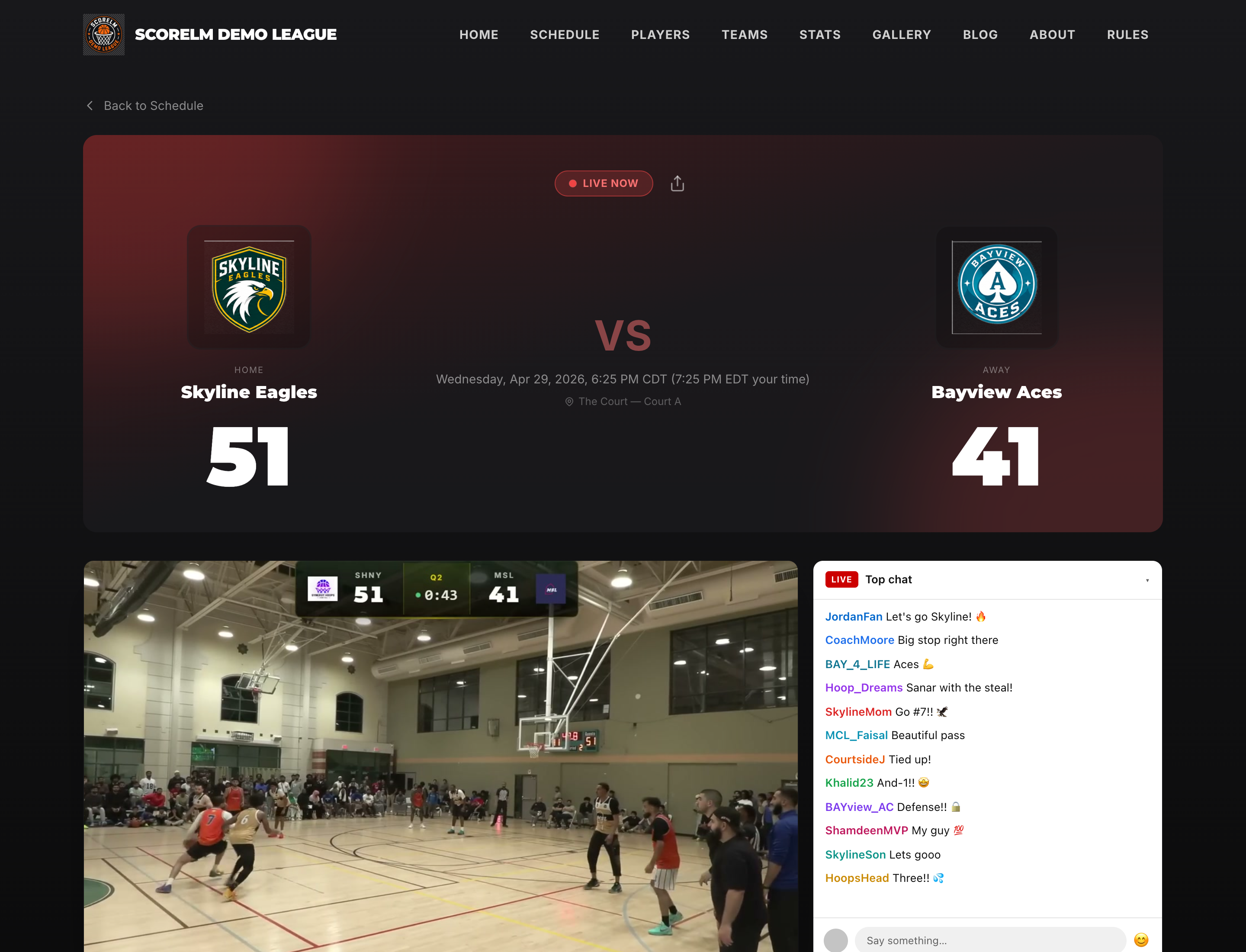
Paste a YouTube Live URL into the game admin and the stream embeds on the game page -- chat included. Viewers stay on your league site to watch the game, follow the scoreboard, and talk to each other. When the stream ends, the replay stays at the same URL.
Setup
Paste a URL. That's the setup.
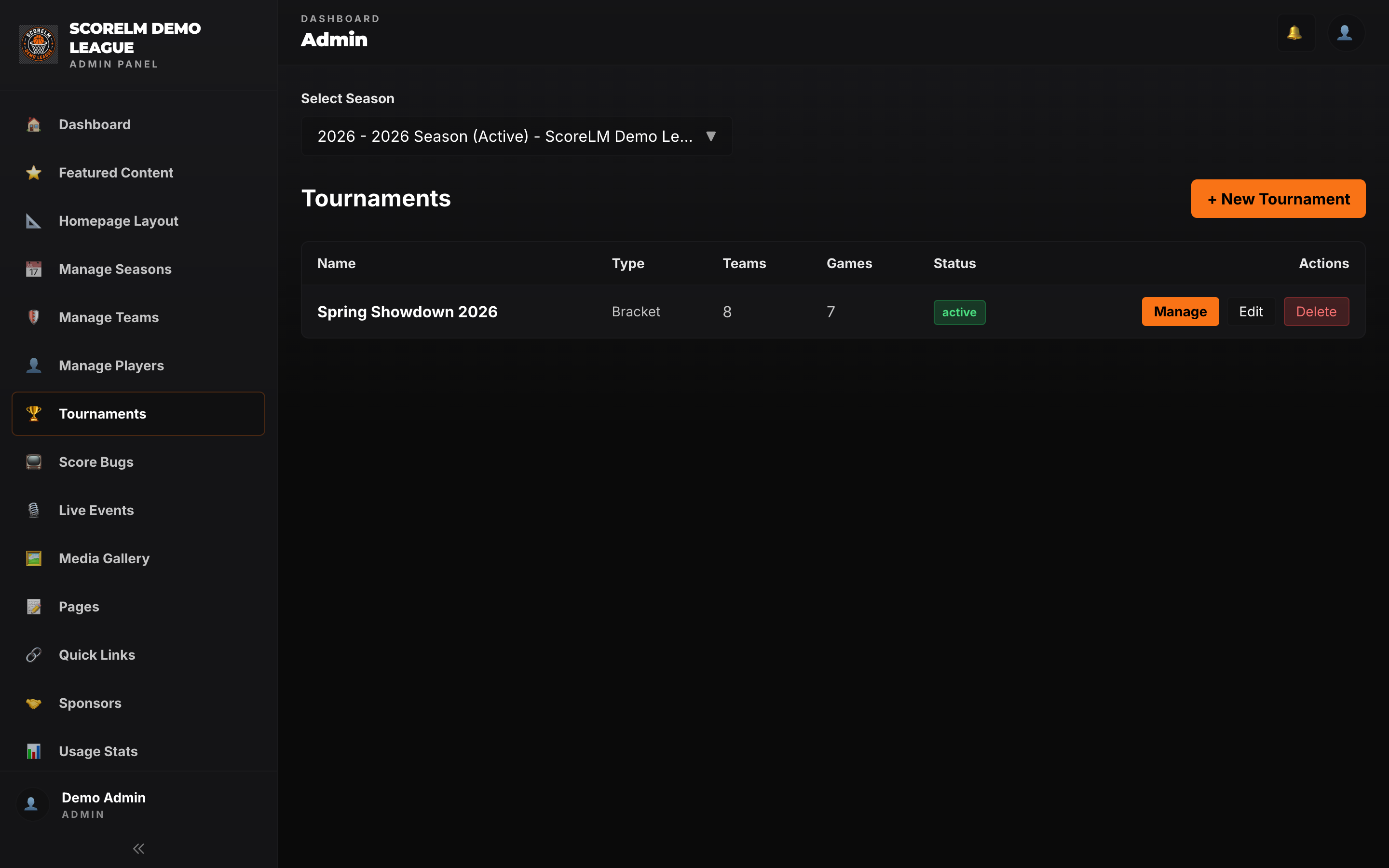
Open the game in the admin panel, paste your YouTube Live URL into the stream field, and save. The embed shows up on the public game page with live chat next to it. No API keys, no OAuth flow, no channel linking.
- Accepts any YouTube Live URL -- youtube.com/watch, youtu.be, or youtube.com/live
- YouTube's native chat embeds alongside the player
- Update or clear the URL at any time from the game admin
- No YouTube account connection required -- just the URL
Replay
The replay shows up automatically
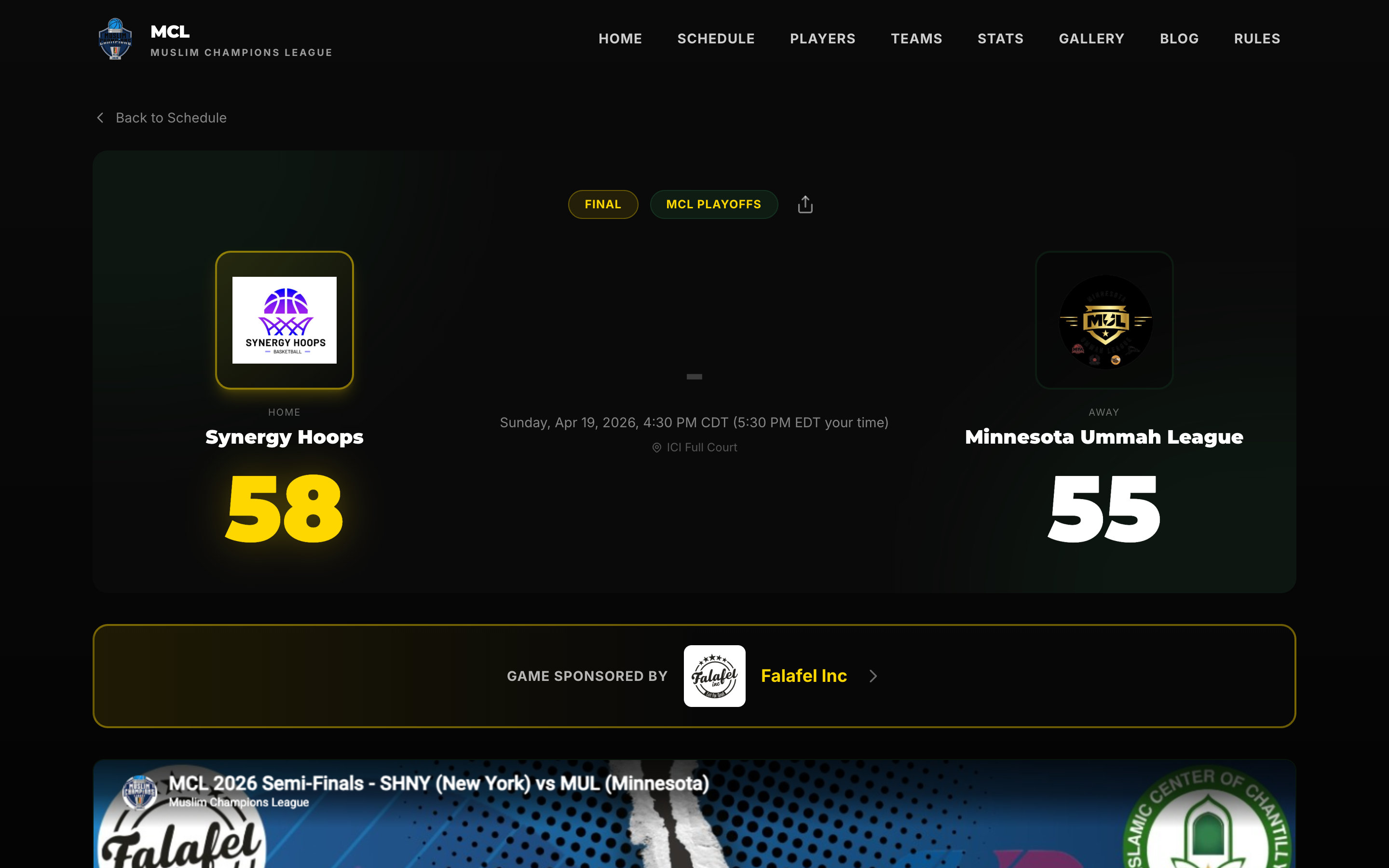
When the YouTube broadcast ends, YouTube keeps the video at the same URL as the archive. So the embed on your game page flips from live to replay on its own -- no editing, no swapping links, no uploading anywhere. People who missed the game just go to the game page and watch.
- Same URL for the live stream and the archived replay
- Game pages stay useful after the game -- fans still show up to rewatch
- No re-uploading or cutting up film after a broadcast
One Page
Viewers don't leave the site to watch
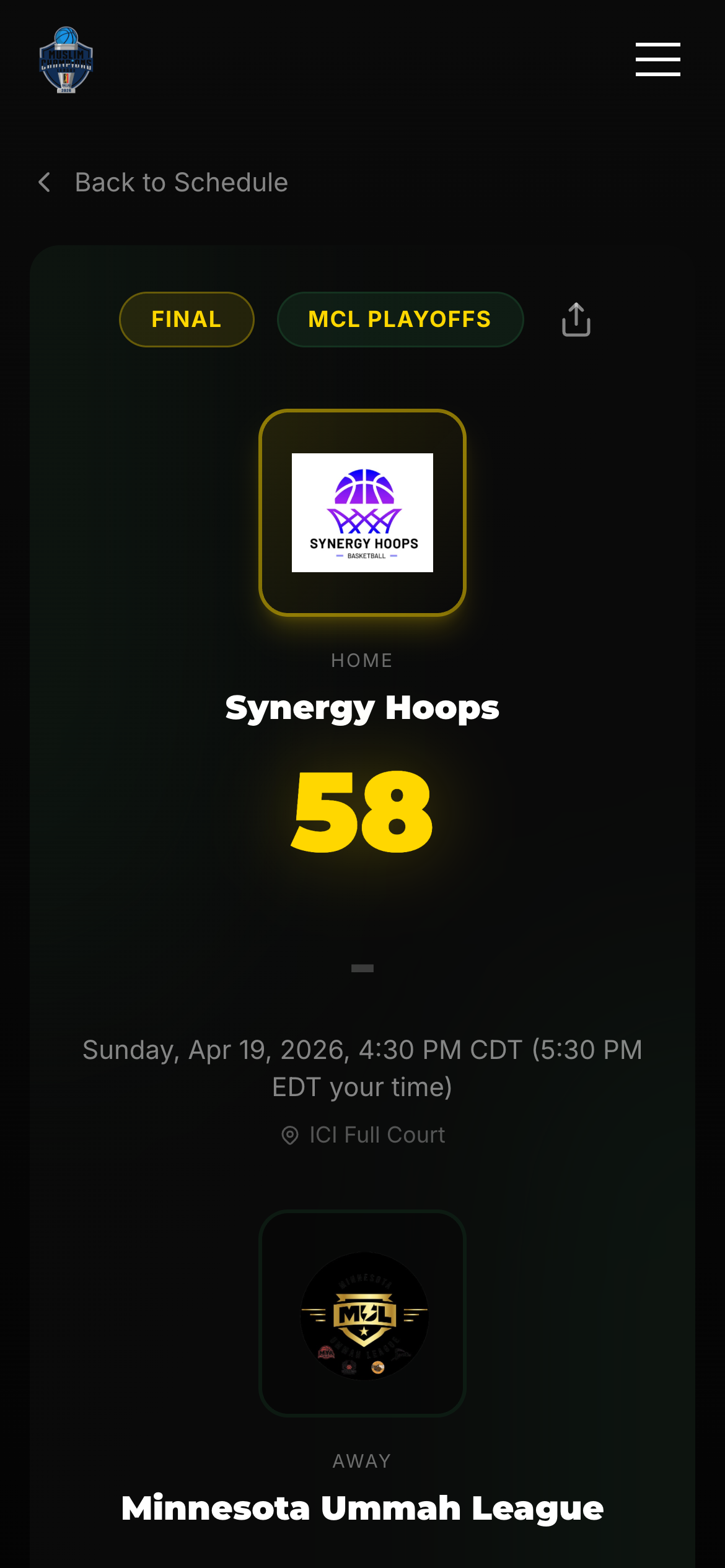
The stream plays in the same page as the live scoreboard, team rosters, and player stats. Fans watch the game, check who just scored, look at a player's season numbers, and talk in chat -- without opening another tab.
- Stream and live scoreboard share the same screen
- Rosters and player profiles are one click away
- YouTube chat is right next to the video -- no tab switching
- Traffic stays on your league site, not on youtube.com
Your Setup
Stream with whatever gear you have
If it ends up on YouTube Live, it works. Run a full streaming rig with multiple cameras and commentary, or point a phone at the court from the YouTube app. Both produce a URL, and both embed the same way.
- Any streaming software with an RTMP encoder (OBS, Streamlabs, vMix, Wirecast, etc.)
- Phone streaming from the YouTube mobile app
- Hardware encoders, capture cards, webcams -- YouTube doesn't care, and neither does the embed
- Upgrade your production without touching ScoreLM
Full Broadcast
Scorebug plus stream equals a real broadcast
The streaming feature and the live scorebug are built to work together. Drop the scorebug into your streaming software as a browser source, push that output to YouTube Live, paste the YouTube URL back into the game admin -- and the stream on the game page shows your broadcast with the scorebug baked in.
The full loop
Stream your next game on the league site
Paste a YouTube URL and you're done. The replay shows up on its own when the game ends.