Getting Started
Set up your league in about 10 minutes
Once we get you onboarded, this walks through branding your league, adding teams and players, setting up your first season, building a schedule, and sharing the public site. No technical skills needed.
Set up your league
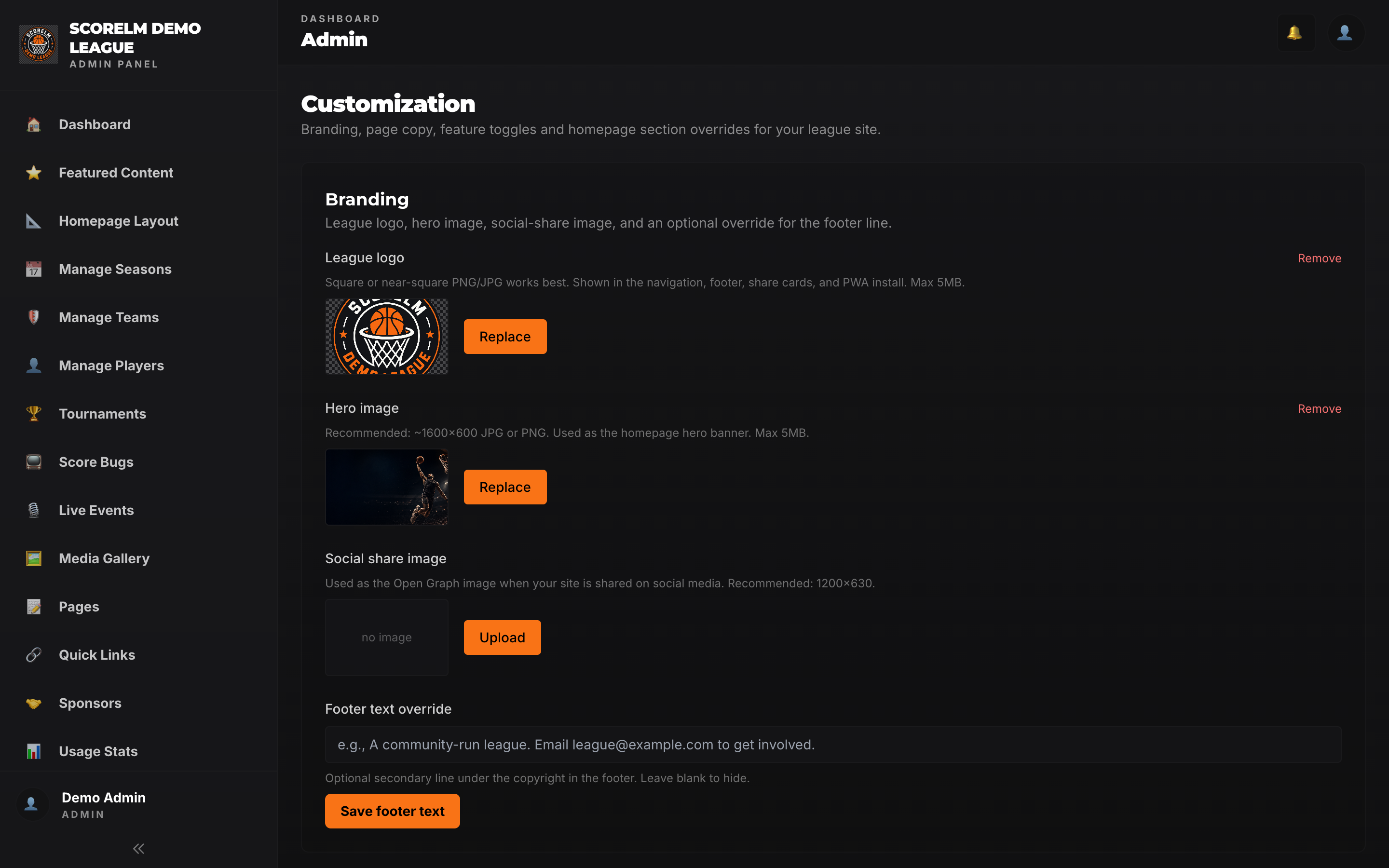
Once we get you onboarded, you'll land in your admin panel. Upload your logo, hero banner, and social-share image; pick your colors; set your footer copy. Everything you set here flows to the public site, scorebug overlays, and share cards.
Add teams and players
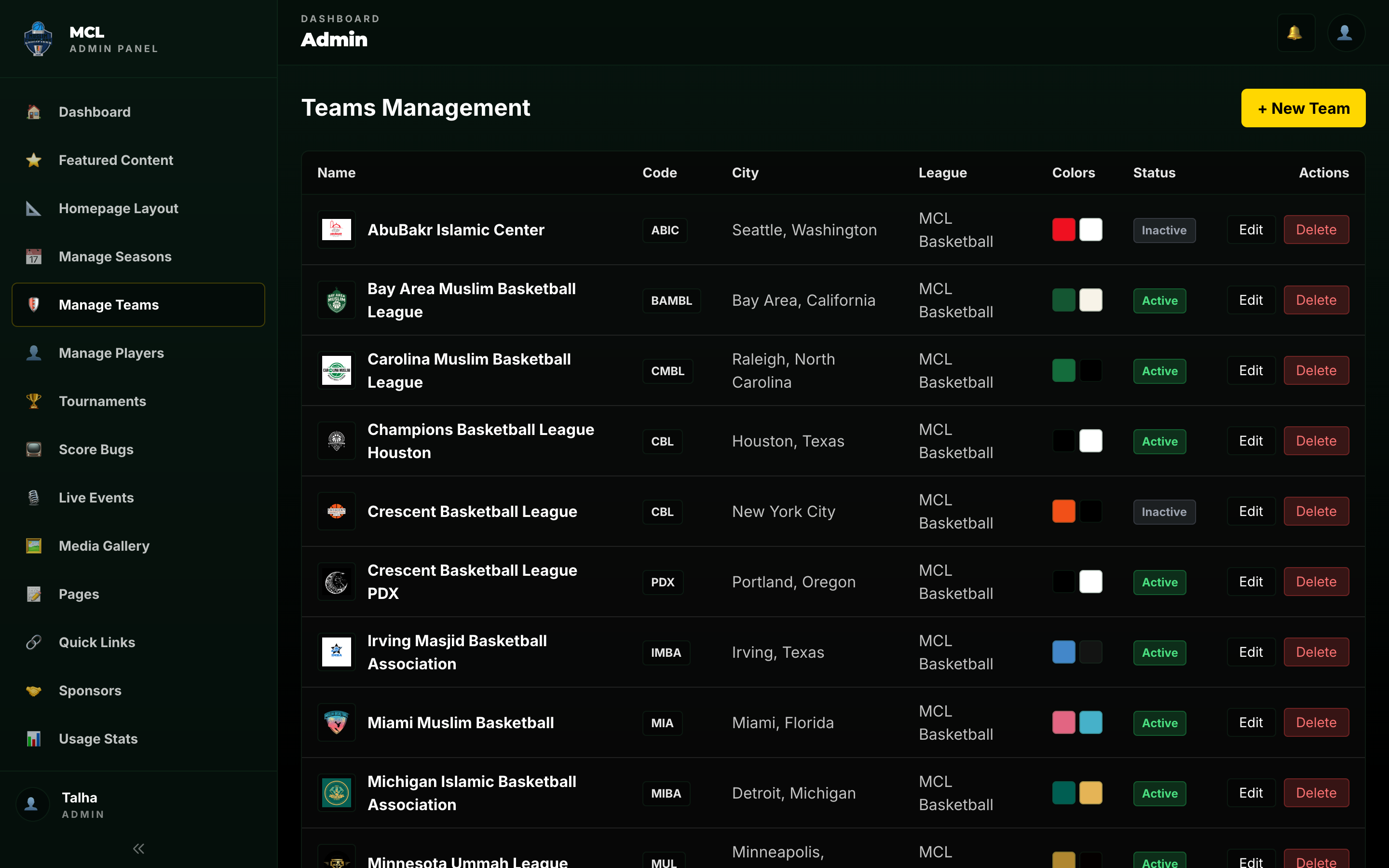
Create teams with names, abbreviations, colors, and logos. Add players to each team -- name, jersey number, position, and a headshot. Players can move between teams across seasons; their career stats follow them.
Create your first season
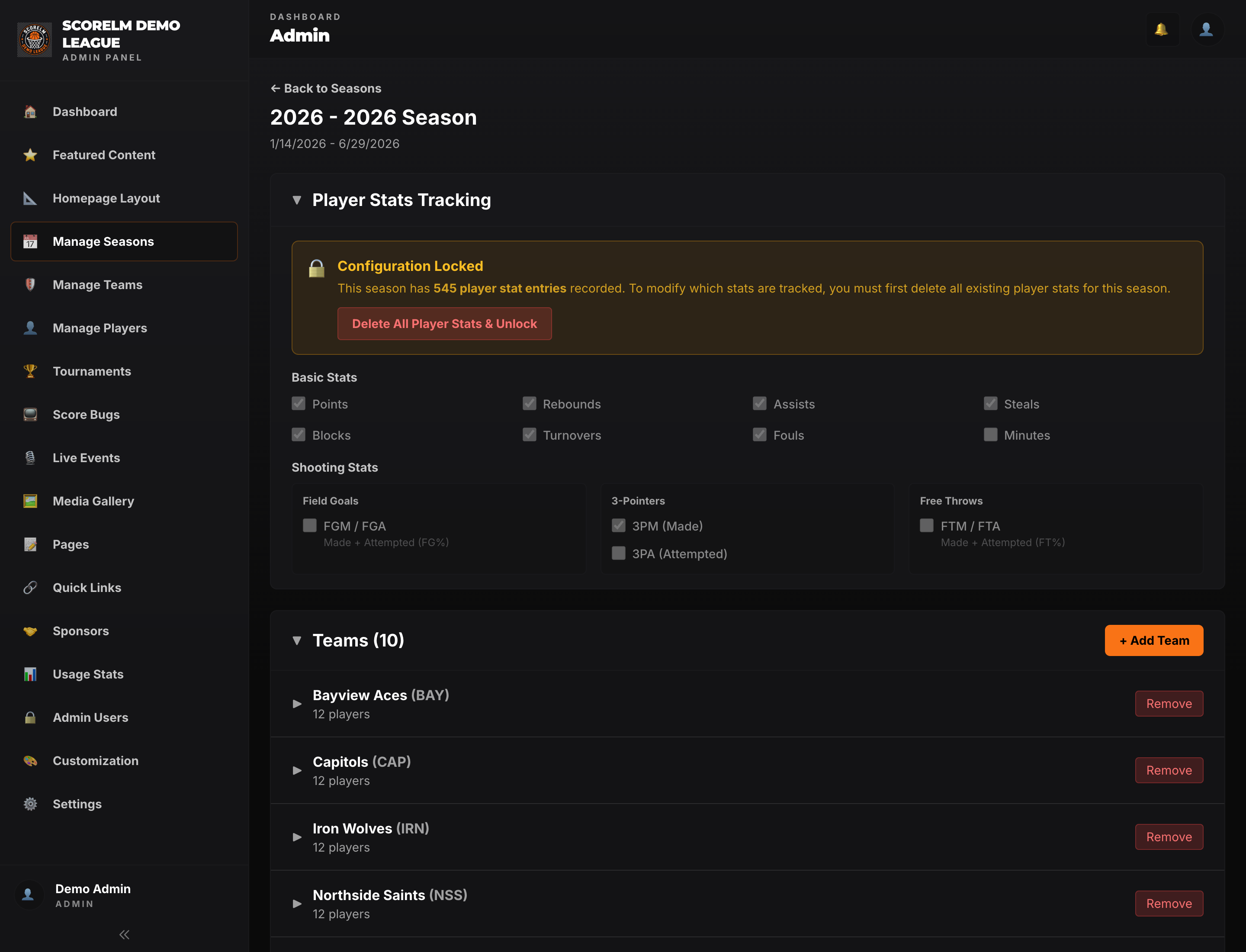
Create a season with a name and date range, then click Manage. Assign teams to the season, pick which stats your league tracks (points, rebounds, assists, shooting splits — toggle the ones you care about), and you're set. The season is what groups all your games, standings, and stats together.
Build your schedule
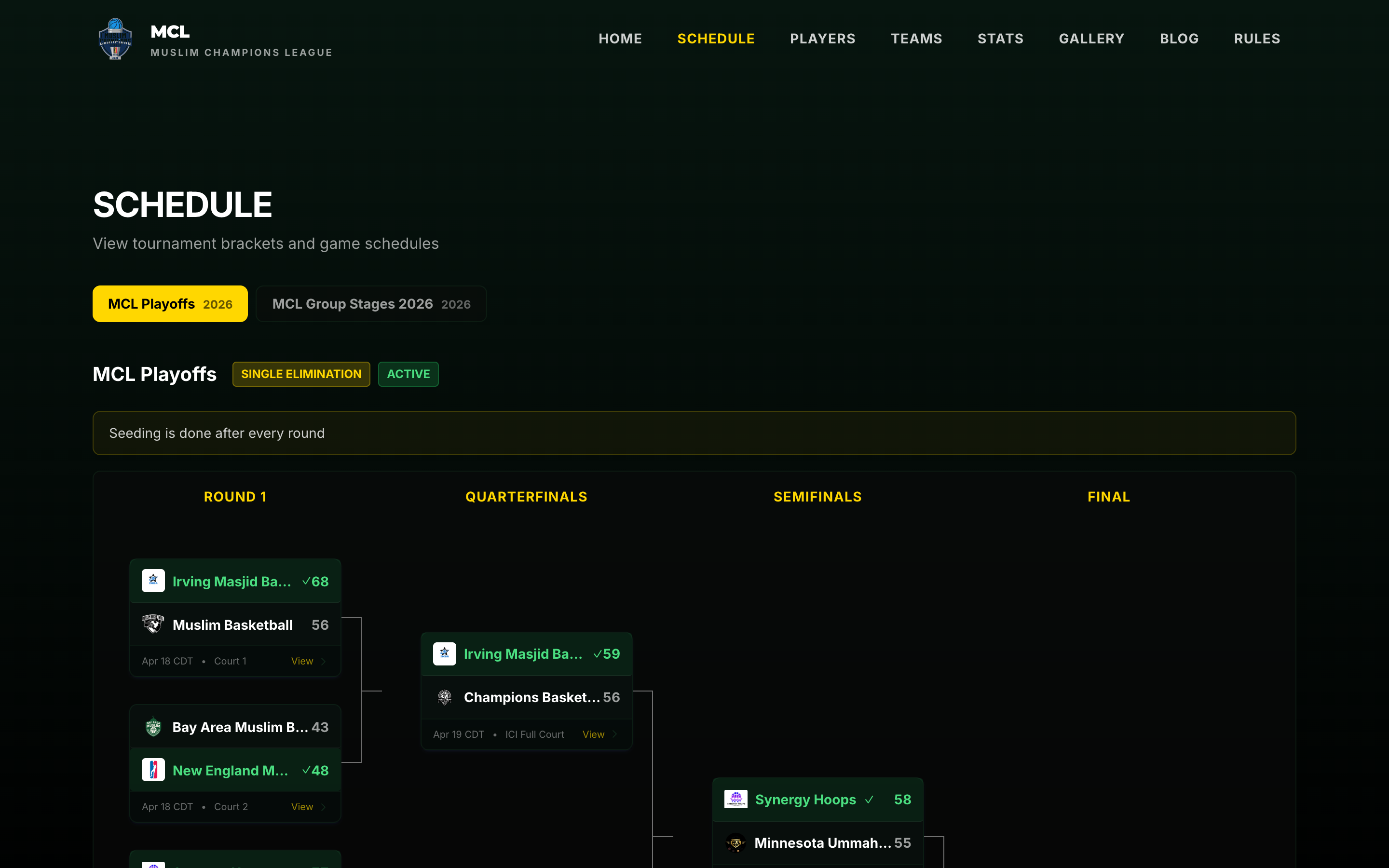
Add games with matchups, dates, times, and locations. You can create them one at a time, auto-generate a round-robin, or build a tournament bracket. Each game gets its own page on the public site with score, box score, and (later) live stream embed.
Go live
Share your league URL with players and fans. On game day, enter box scores from the admin panel and stats update in real time. Drop a YouTube stream into a game to embed live video. On a tablet courtside, run the scorebug overlay on your broadcast.
What's next?
Once your league is live, here are the guides you'll want to read next.
That's it
Ready to set up your league? Reach out and we'll personally onboard you at our early bird rate — $17/month, billed annually.