Media Gallery
A home for every photo your league shoots
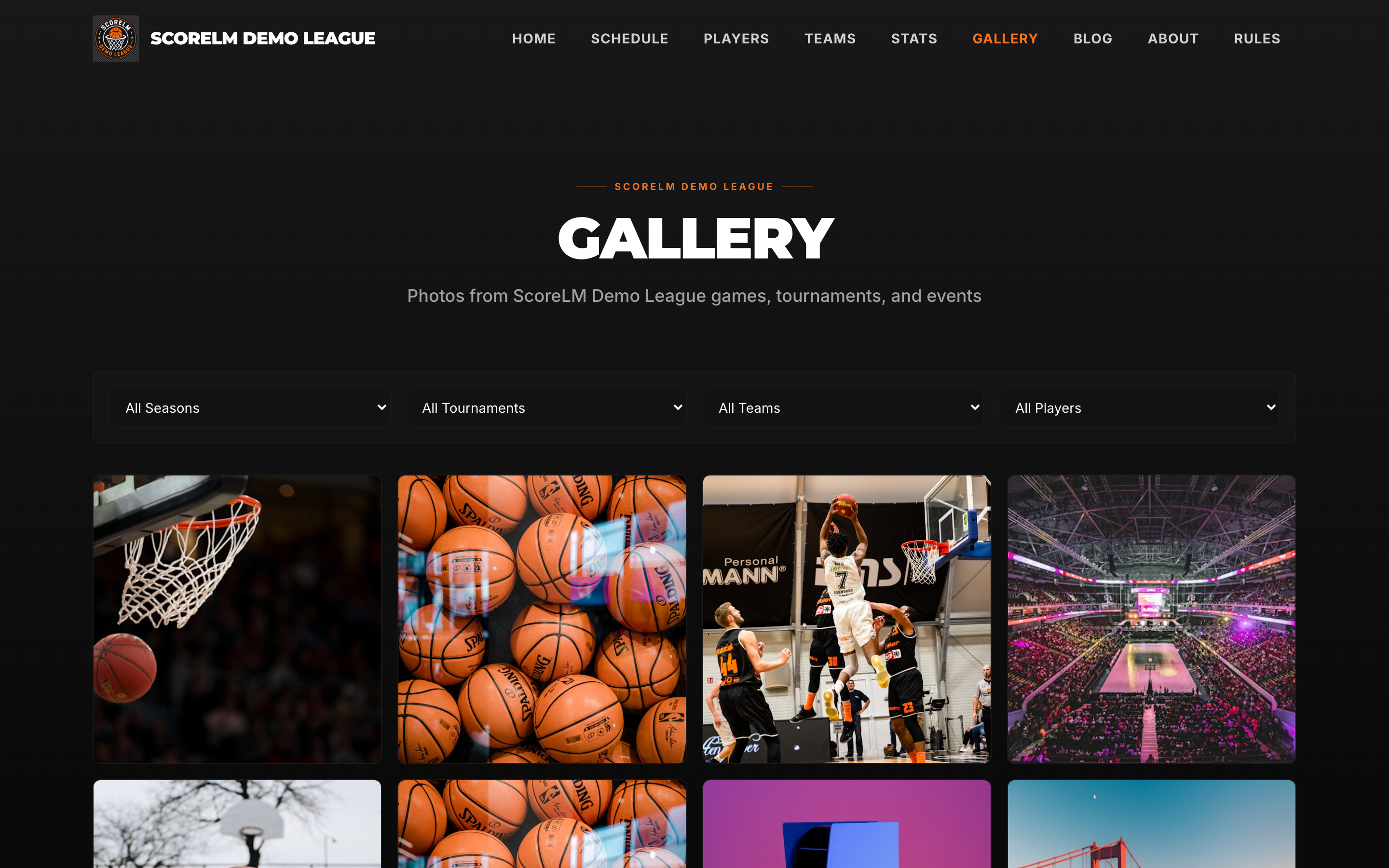
Upload game photos once and they show up everywhere they belong -- the public gallery, team pages, player profiles, and game recaps. Tag by season, team, tournament, or game. Bulk upload a weekend's worth of shots in one drag.
Upload & Tag
Tag once, show up everywhere
When you upload a photo, you tag it with the season, team, tournament, or game it belongs to. That single tag is what puts the photo on every page it should live on -- no uploading the same file four times to four different spots.
- Tag by season, team, tournament, or specific game
- A photo can carry multiple tags -- a game photo is also a team photo
- Re-tag or retag later without re-uploading
- Player headshots are just photos tagged with a player
Public Gallery
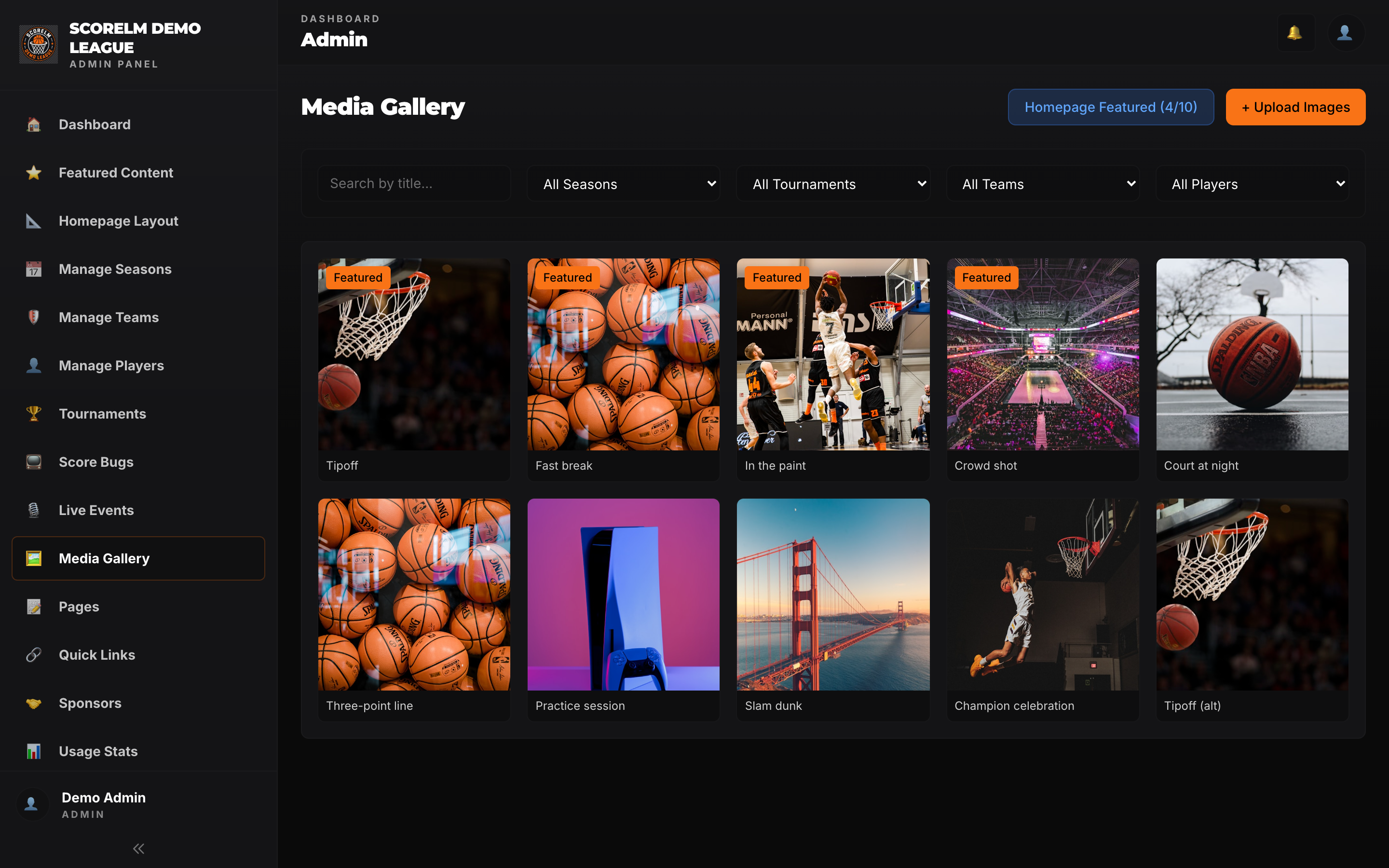
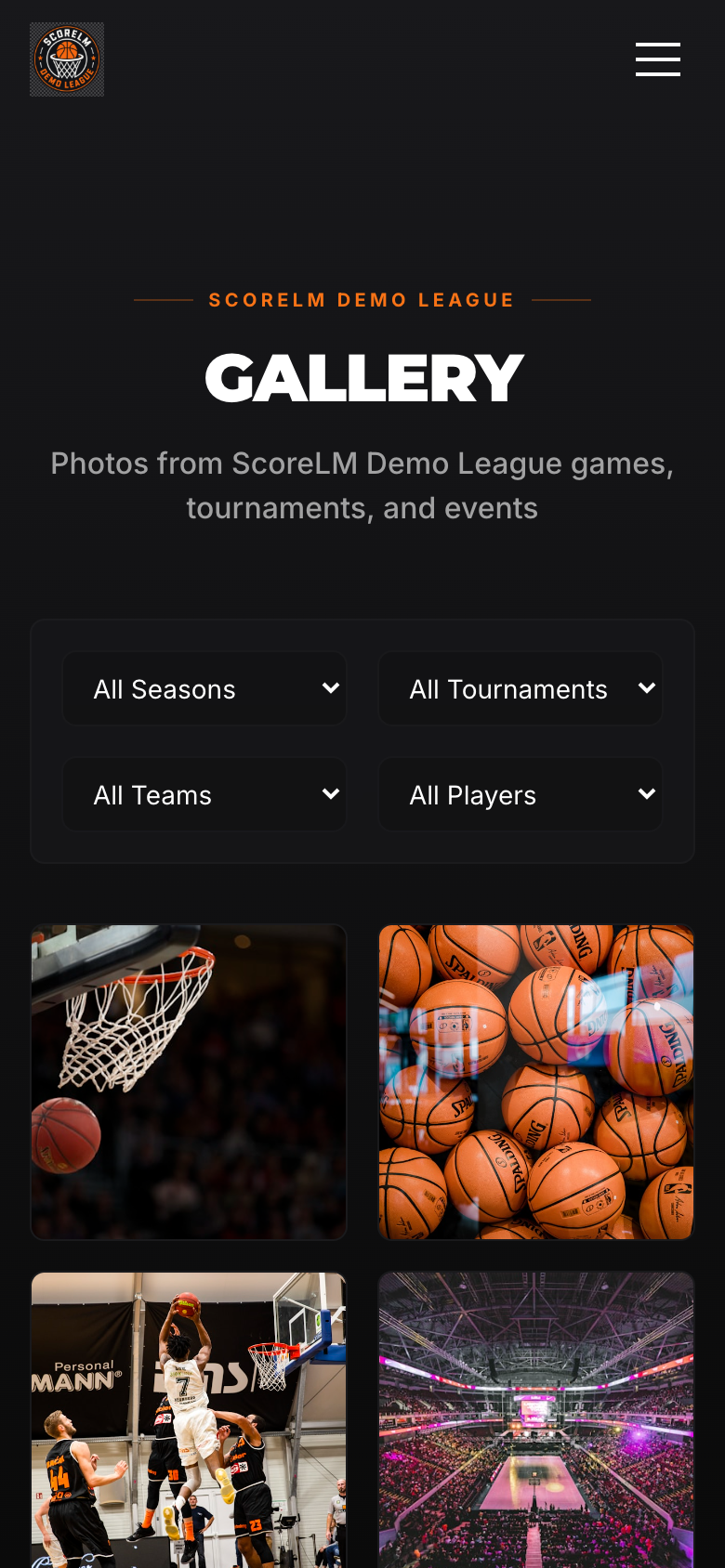
Fans get a filterable gallery page
The public site gets a gallery page where fans can browse every photo from the league. Filter by season, team, or event -- so a parent looking for shots of their kid's team in the spring tournament can get there in two clicks.
- Filter by season, team, or tournament
- Lightbox view with swipe navigation on mobile
- Chronological or event-grouped layouts
- Deep-linkable URLs for any filter combination
Everywhere Else
Photos also show up where they matter
The gallery page is nice, but most fans aren't hunting for photos -- they're reading a game recap or checking their team's page. Photos surface there too, tied to whatever they're tagged with.
Team pages
Every team page shows a photo strip of recent shots from that team's games. Click through to the team's full set.
Player profiles
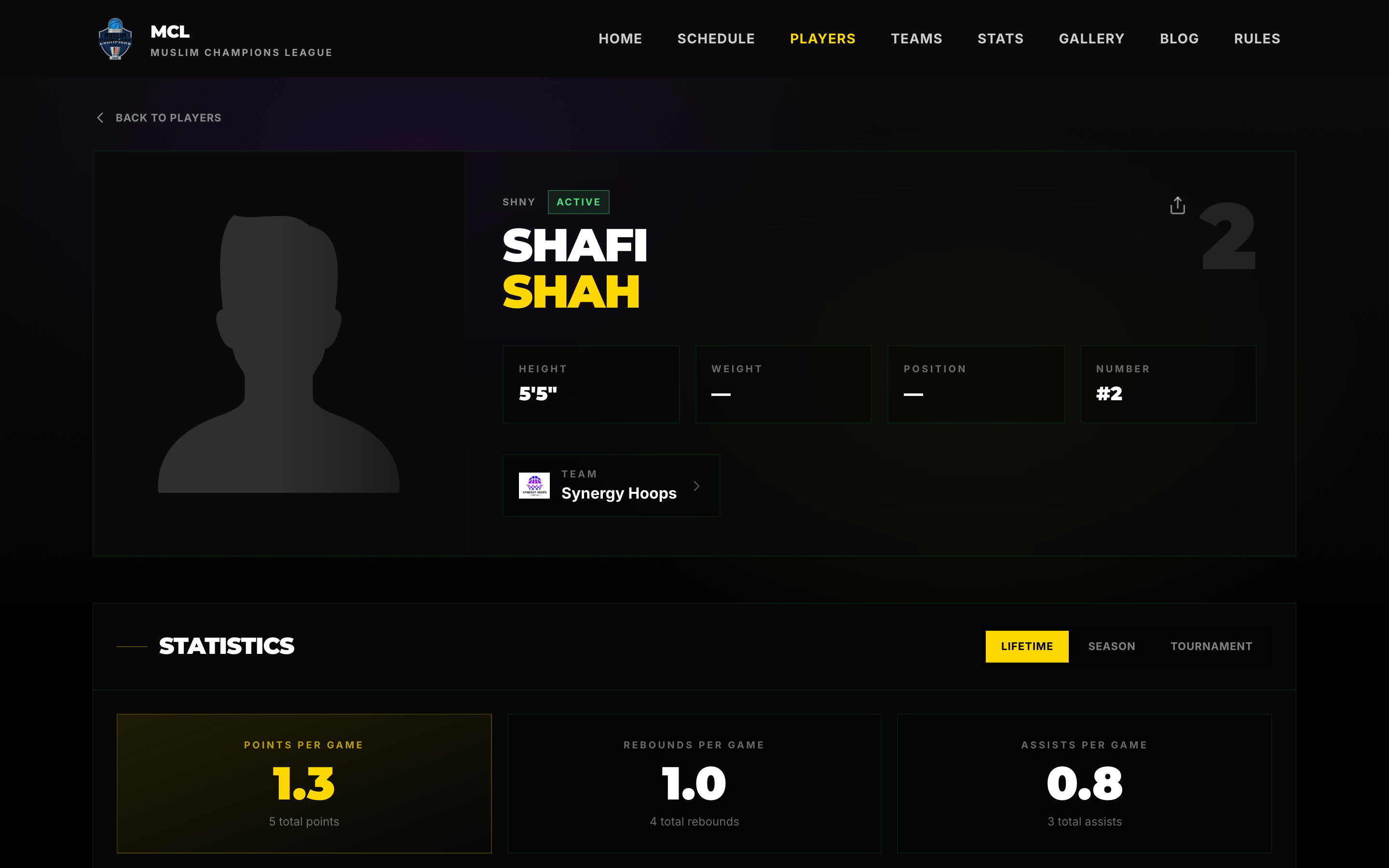
Headshots populate the roster. Action shots tagged with a player show up on their profile -- they can send family the link.
Game recaps
Photos tagged with a game appear on that game's recap page next to the box score and play-by-play.
Bulk Upload
Drag in 300 photos from a weekend tournament
After a weekend tournament your photographer hands you a folder with 300 photos. Drag the whole folder into the upload pane, pick a tournament tag once, and walk away. Processing runs in the background while you do something else.
- Drag-and-drop a whole folder at once
- Apply tags to the entire batch, then refine individual photos
- Uploads resume if the connection drops mid-batch
- Duplicates are detected and skipped automatically
Image Optimization
Originals stay, visitors get lightweight versions
Photographers shoot at 20+ MB per frame. You don't want fans loading that on a phone. Uploads generate resized and compressed versions automatically -- thumbnails, feed-sized, and lightbox-sized -- while the original stays untouched for download or reprints.
- WebP and AVIF output with JPEG fallback
- Responsive srcset -- phones don't download desktop-sized files
- CDN-served so delivery is fast regardless of where fans are
- Originals downloadable from the admin panel
Social Sharing
Shareable photos with OG tags that look right
Every photo has its own URL with proper Open Graph and Twitter Card tags. When a fan pastes the link into Instagram, Twitter, or a group chat, the preview shows the photo -- not a generic site thumbnail. Action photos get shared, and every shared photo is free marketing for the league.
- Per-photo Open Graph and Twitter Card tags
- Built-in share buttons on the lightbox
- Direct download link for fans who want to re-post
- Photo credit and league branding travel with the link
Why This Matters
Action photos get shared
A kid dunking, a buzzer-beater, a tournament trophy shot -- those photos get pulled into group chats, posted to Instagram stories, and sent to family. Every shared photo is free marketing for the league, and the easier you make sharing, the more of it happens.
Upload once, surface on every relevant page
Photos per bulk upload -- a whole tournament in one drag
Marketing you get every time a fan shares a photo
Put your league's photos to work
Upload a weekend's worth of photos and watch them fill out your public site in minutes. Early bird pricing is $17/month, billed annually.